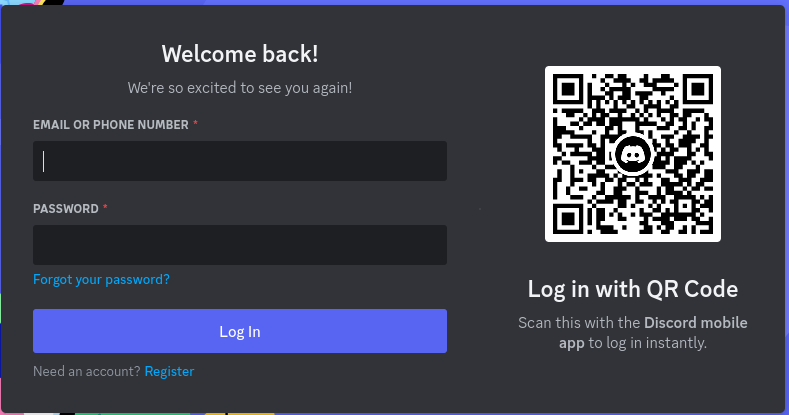
Log into your Discord account either on the website or on any client app using either username and password or with another device, using the QR code.
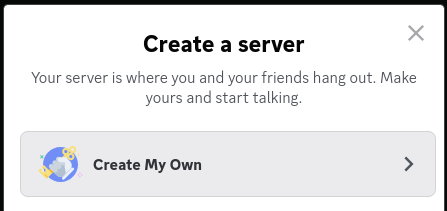
Press the + button on the left sidebar of the page

When asked to choose between creating a server and joining one, pick "Create My Own"
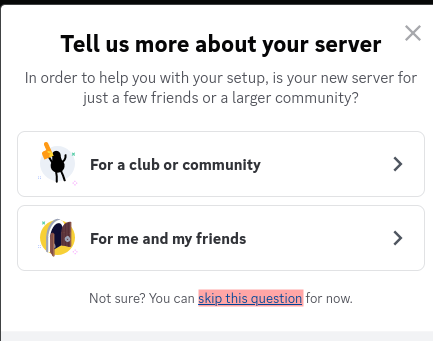
When prompted to tell more about the server, press "skip this question"
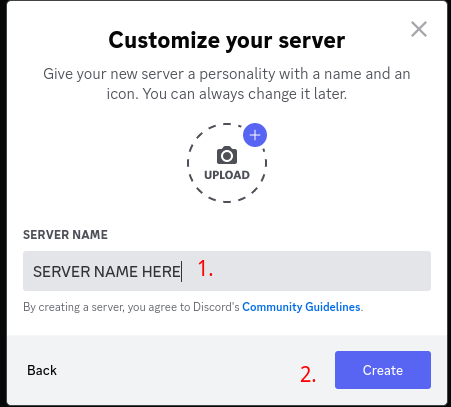
Pick the name of the server and press "Create"